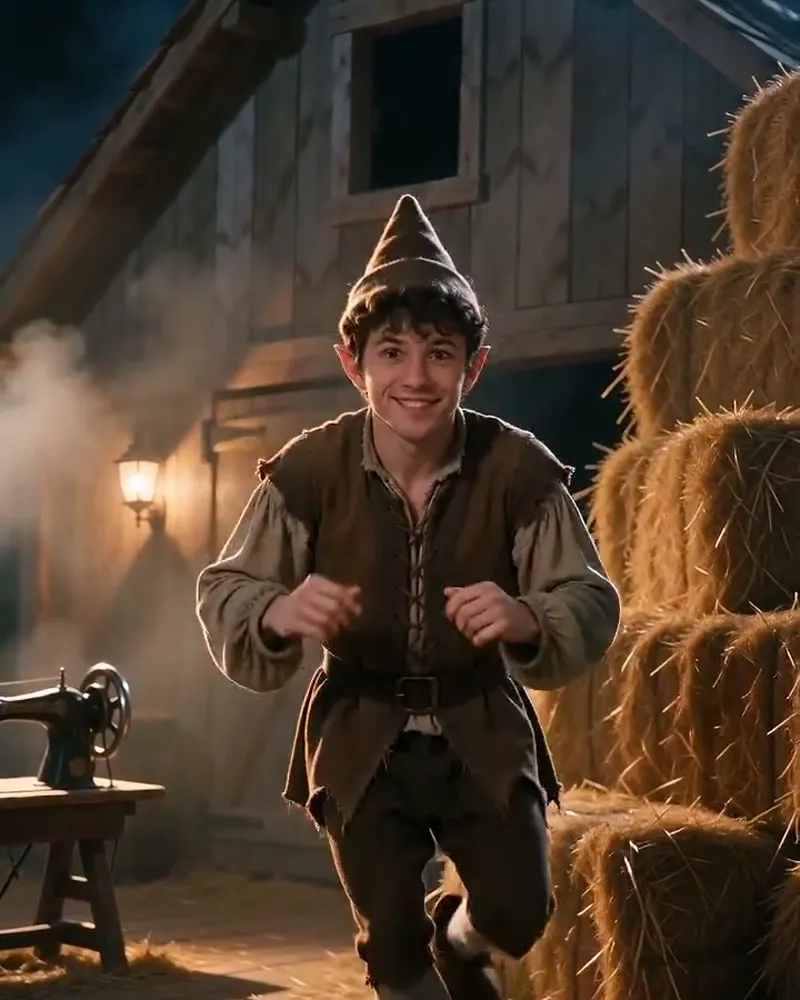
Sample output
Rumpelstiltskin Tiptoe
12 creditsTiptoe through the barn like the fairy-tale imp everyone is posting.
1 photo12s videoperson
or $9.99 onceMake this
Preview each scene and compare video lengths and credits. Choose a template to make it yours.
Showing 12 of 12 templates
Tiptoe through the barn like the fairy-tale imp everyone is posting.
1 photo12s videoperson
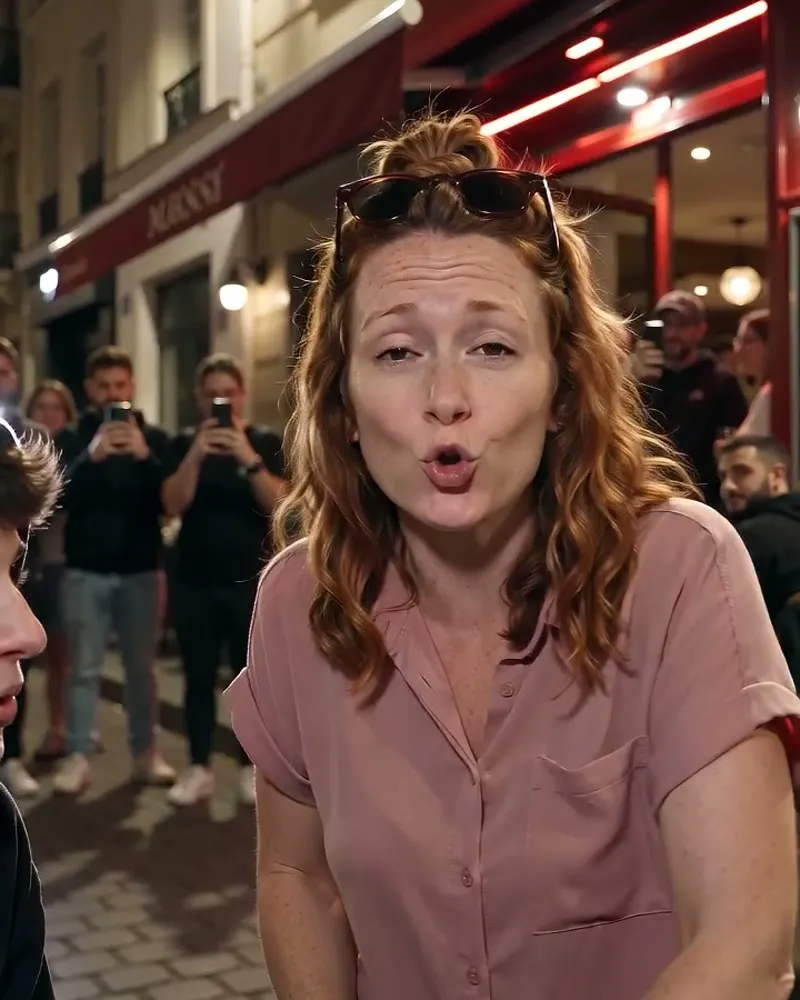
The sidewalk freestyle everyone is copying — with your moves.
1 photo12s videoperson
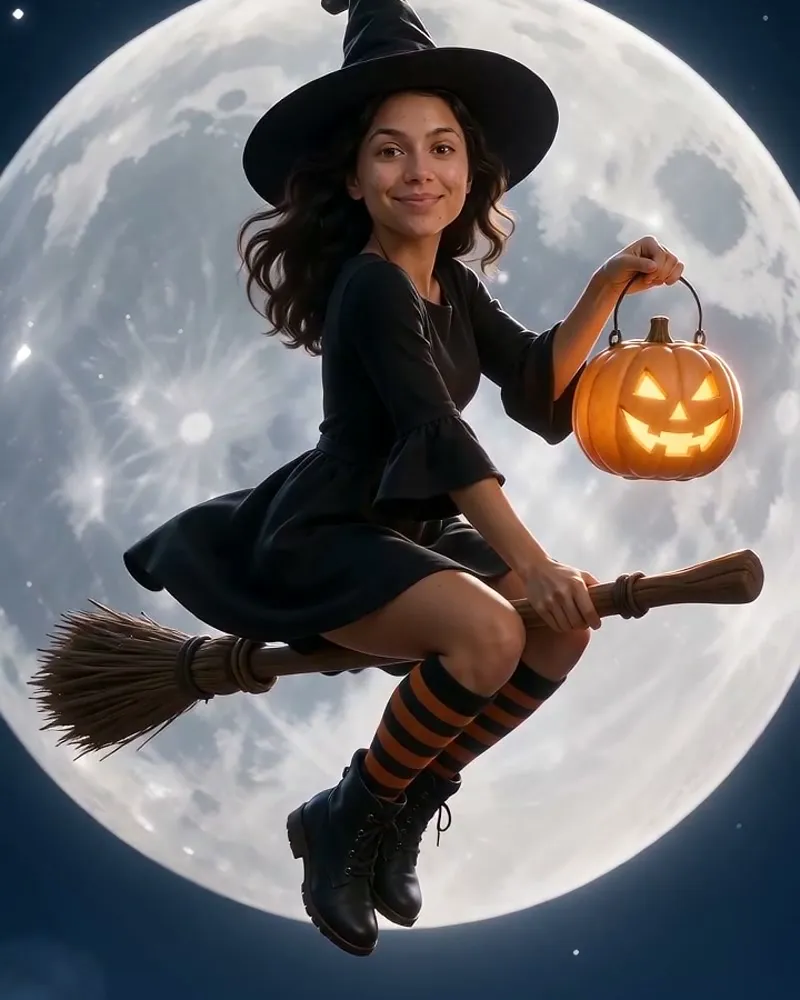
Fly across the full moon on a broomstick.
1 photo12s videoperson
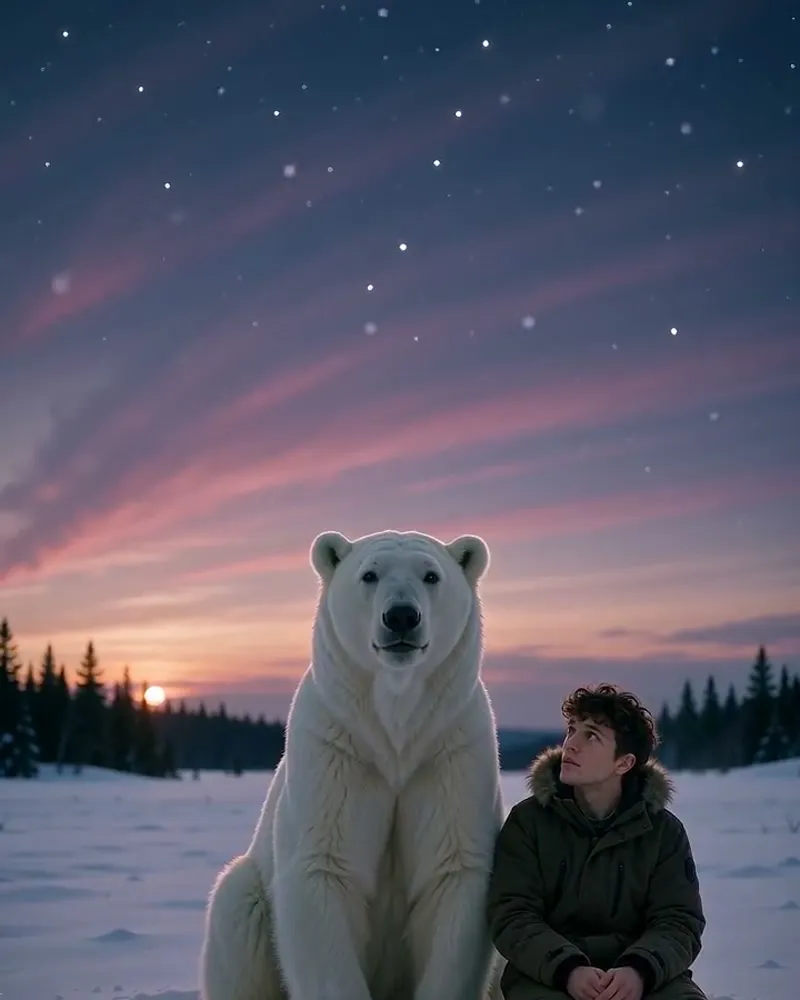
Sit next to the polar bear who warned you about November.
1 photo12s videoperson
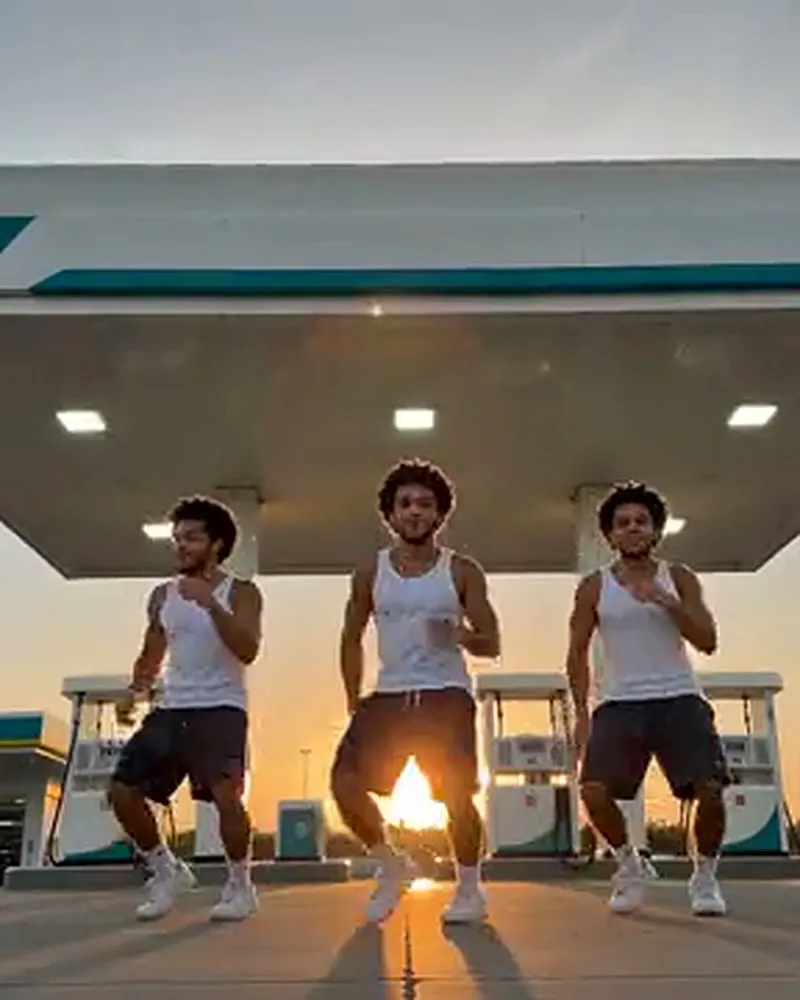
Dance by the pumps with your own backup crew.
1 photo12s videoperson
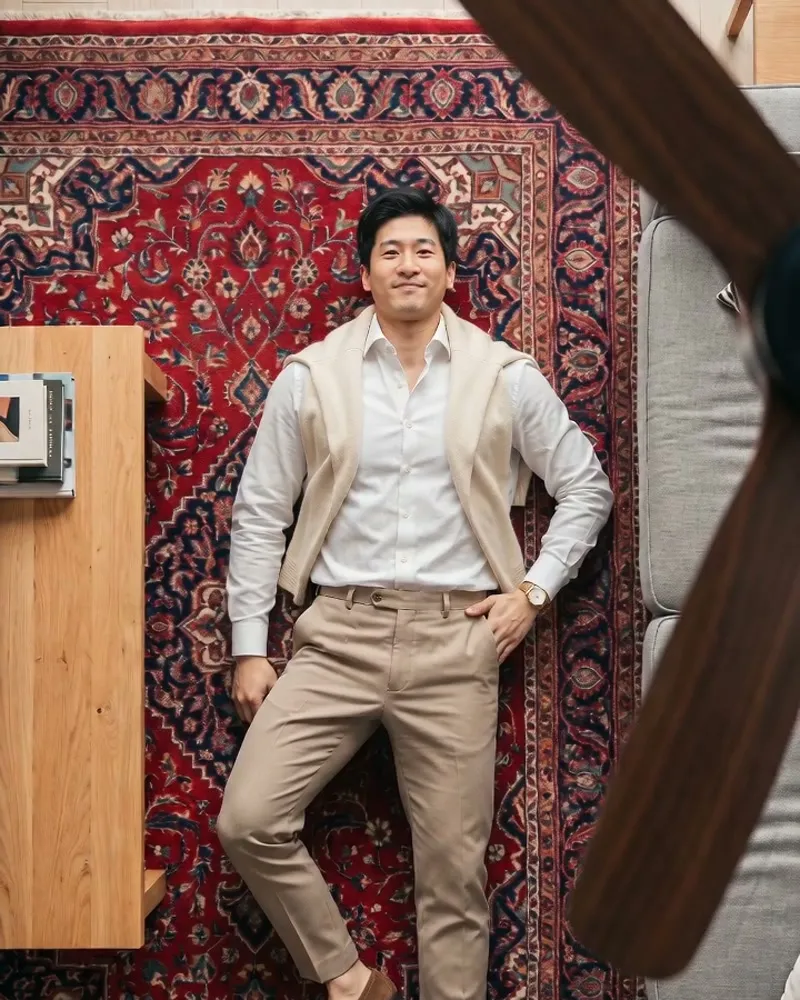
A new outfit every time the fan passes over you.
1 photo12s videoperson
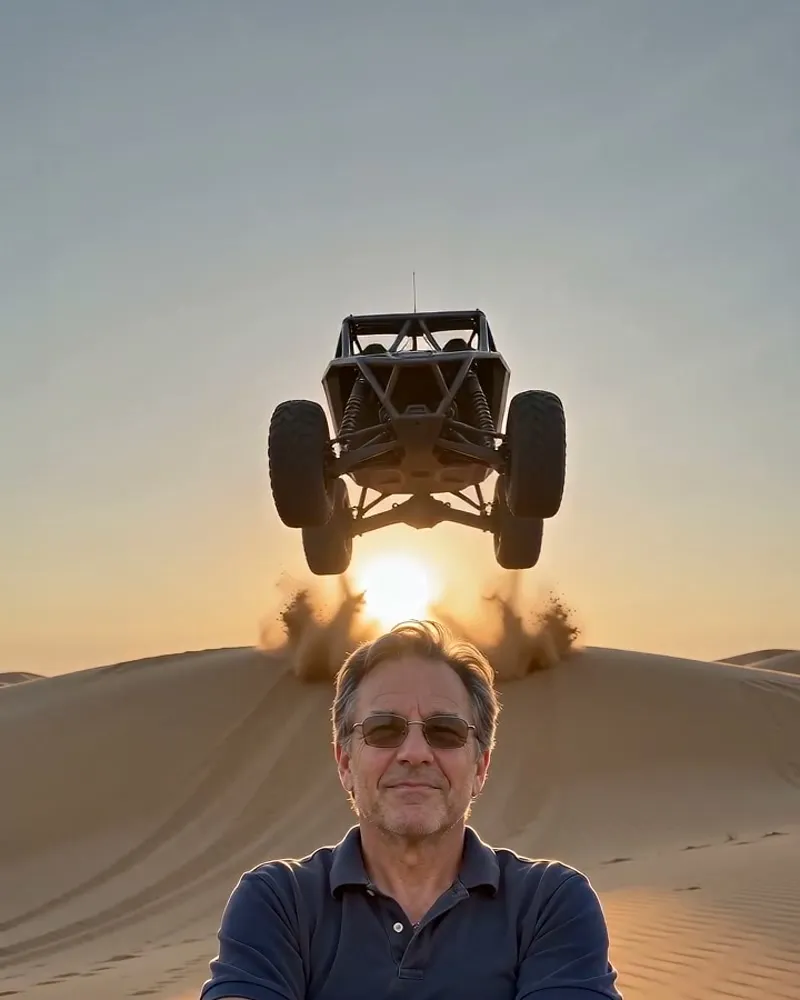
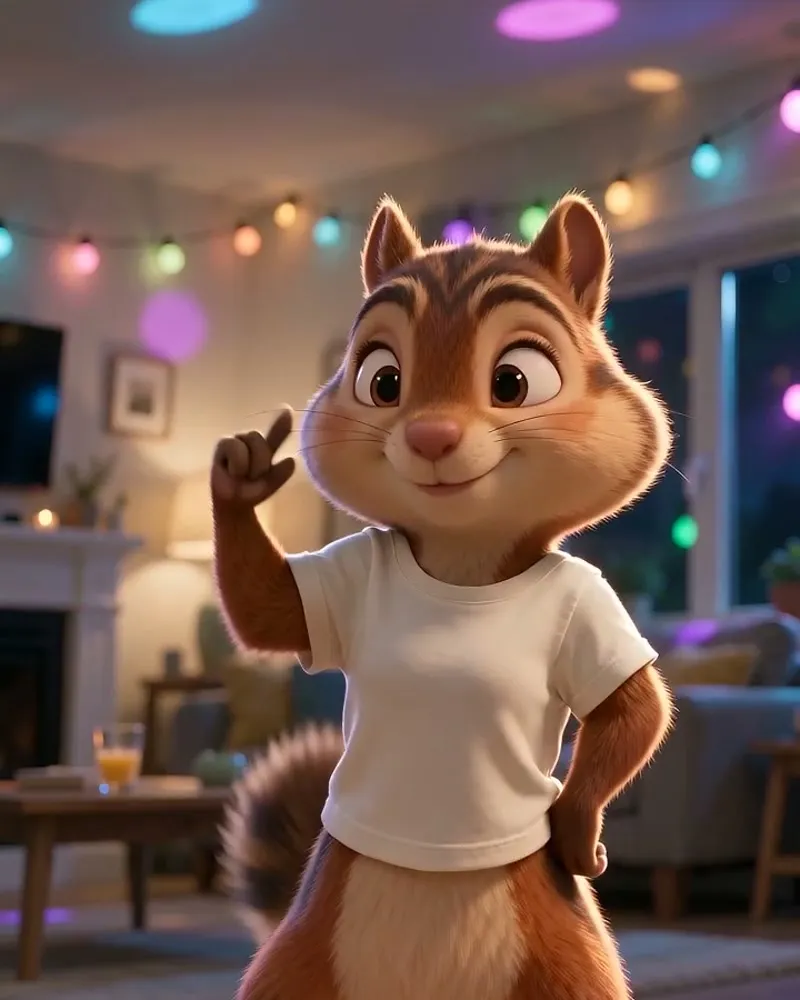
The sped-up spin dance — starring you.
1 photo12s videoperson
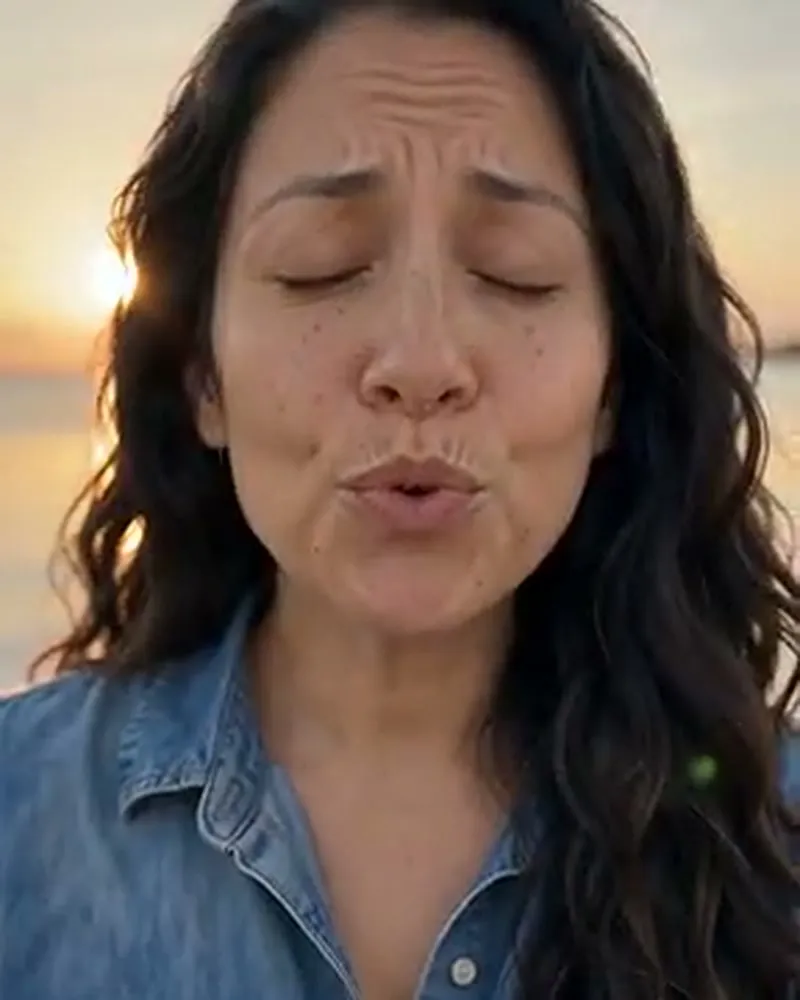
Golden hour, the water, a love song sung straight at you.
1 photo10s videoperson
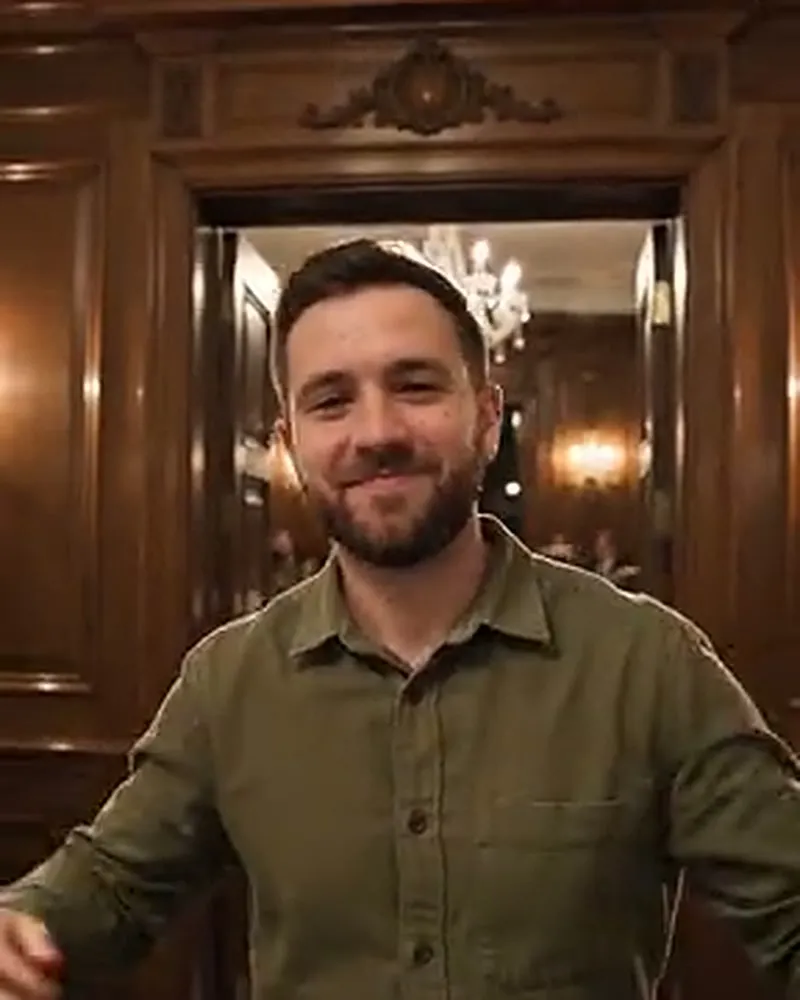
One chandelier, one cup, one hand over the eyes.
1 photo10s videoperson
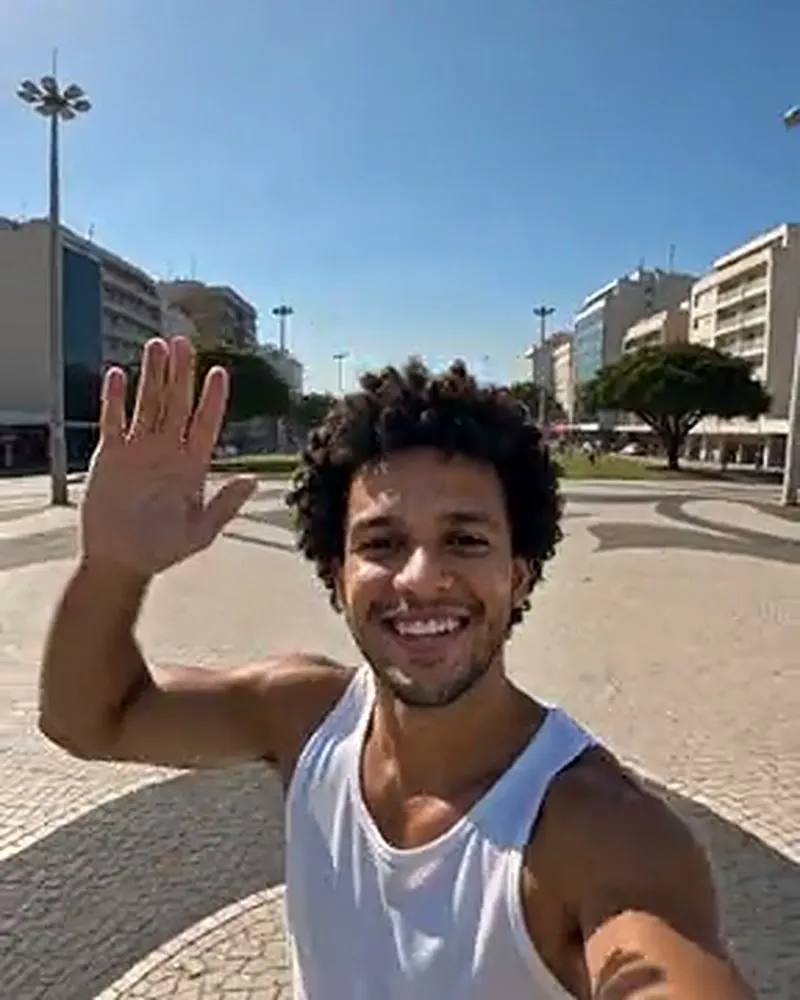
From your face to the whole planet in seconds.
1 photo10s videoperson
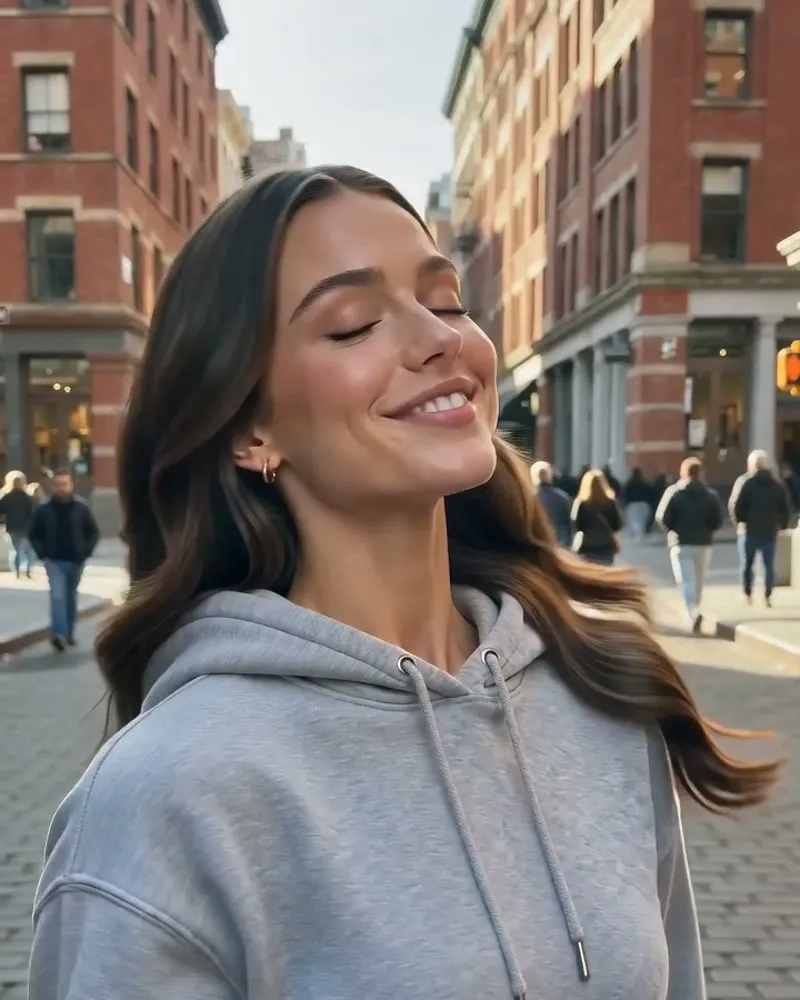
Same face, other gender — the twin you never had.
1 photo12s videoperson
A scene for every idea
Start with the kind of video you want to make. Each collection below links to templates you can use right now.
Join a familiar internet moment with your own photo. Read the trend background on the template page before making your version.
Explore this collectionLet the template supply the choreography. A clear upper body or full body photo gives the dance a better starting point.
Explore this collectionMake a reaction for the group chat or a visual punchline for your next post. Pick a scene that suits the joke you want to tell.
Explore this collectionTry a new look or step into an unexpected setting. The template sets the transition, camera and scene for your photo.
Explore this collectionFrom photo to video
The template brings the motion and setting. Your photo brings the person. Here is how to make your first AI meme video.
Watch the sample, check the subject and compare the video length and credit cost. Choose the scene you want to be in.
Use one well lit subject with the face visible. Review the photo tips and the exact cost before starting your video.
Find the finished MP4 in My creations. Videos are silent, so add your sound and caption in TikTok, Reels or Shorts.
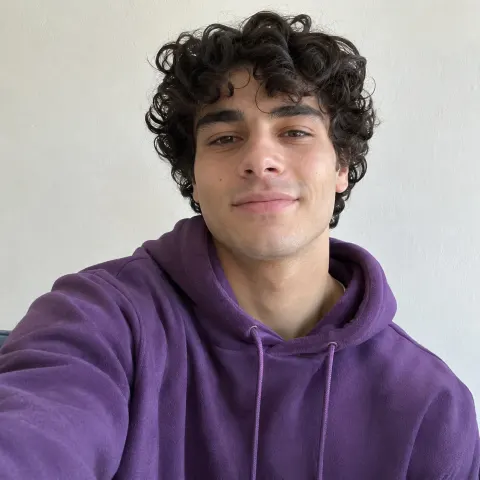
A better photo, a better starting point
You do not need to pose like the preview. Keep the face and body easy to see, and let the template provide the movement.
Make your next video better
Choose a meme that matches your photo, audience and the place you want to post.
Explore the curated trends, original sources and context before making your own version.
Compare credit packs and single video purchases before choosing how you want to create.
Before you press create
More details: Privacy policy · Refund policy
One photo is all you need to get started. Pick a preview you like and check the cost before you create.
Choose a meme template