The meme explained
What is the Earth Zoom Out trend?
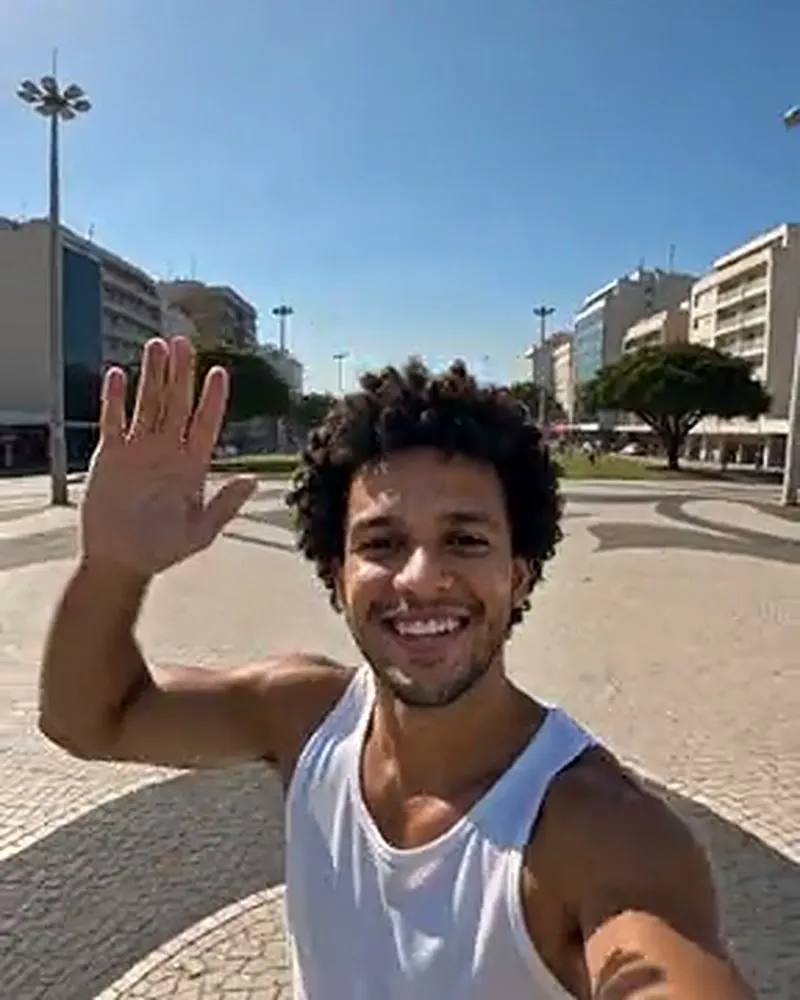
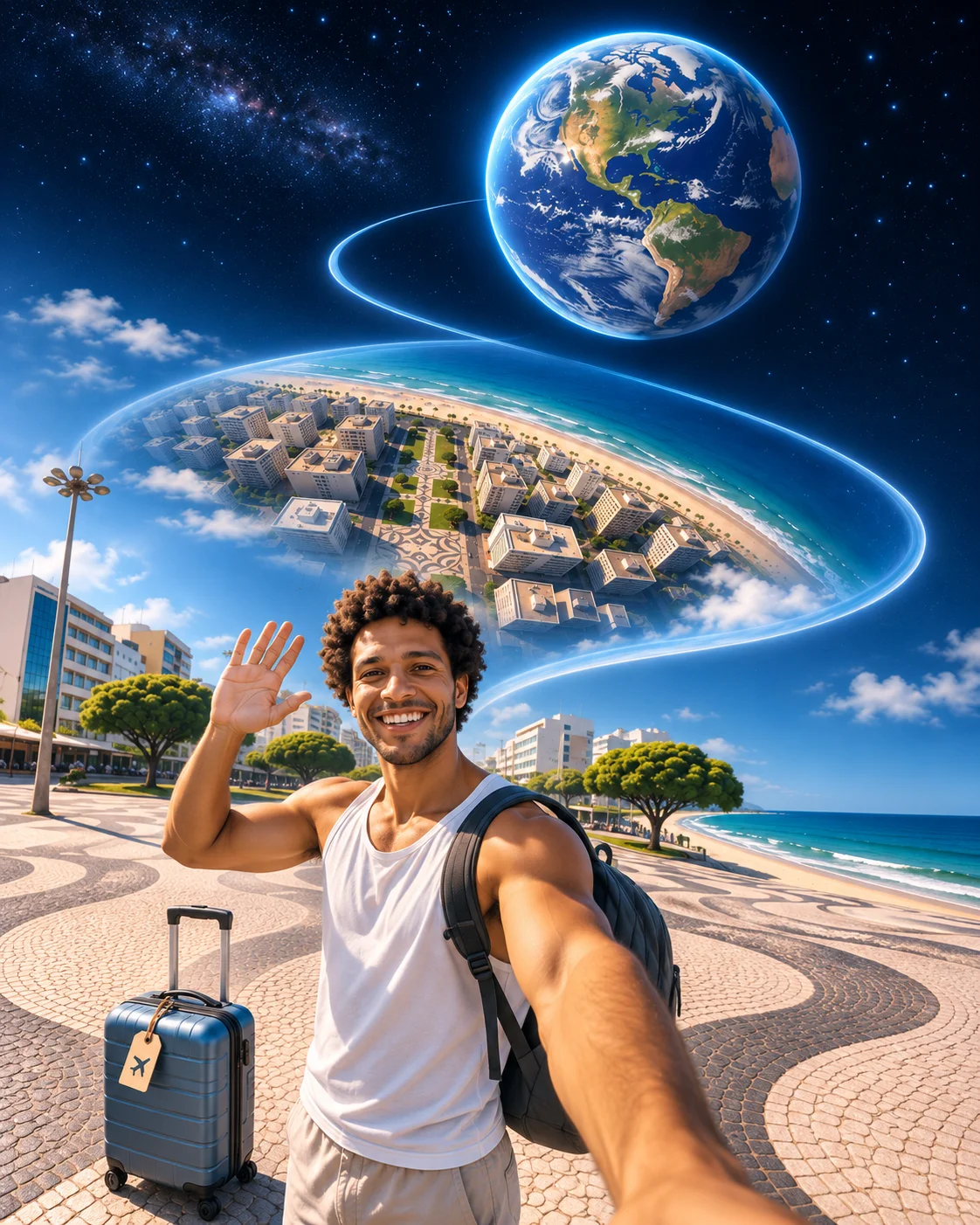
Earth Zoom Out starts with a person in an ordinary scene and pulls back toward the whole planet. The sudden change of scale makes it a dramatic introduction, travel transition or perspective joke.
The move changes what feels important. A close view makes the subject the centre of the world; the pullback makes the same person tiny. Your caption decides whether that feels impressive, funny or reassuring.
It can introduce a trip or put a minor embarrassment in perspective. This template follows a preset scene, so it is a stylised effect rather than an accurate map of the place in your photo.
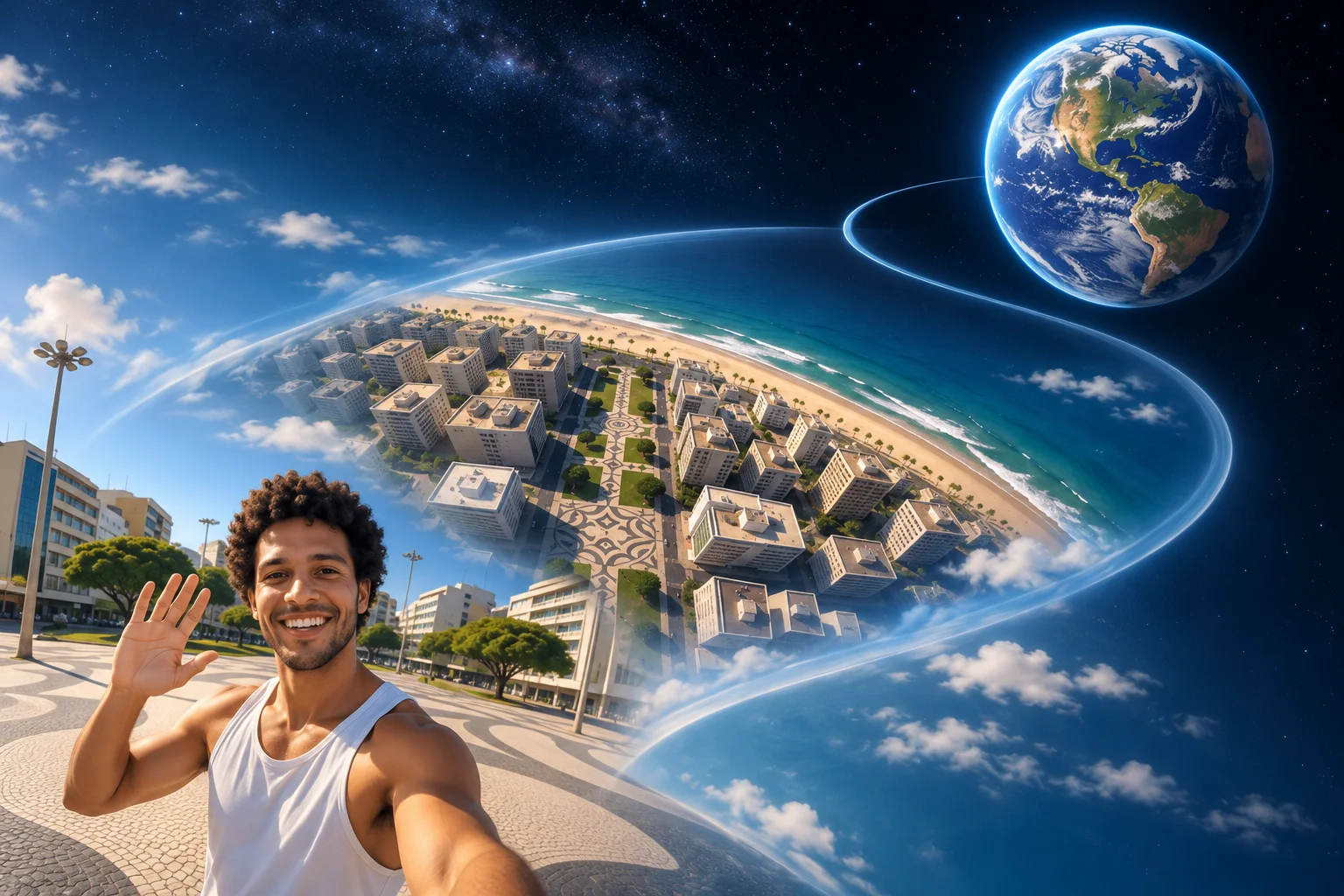
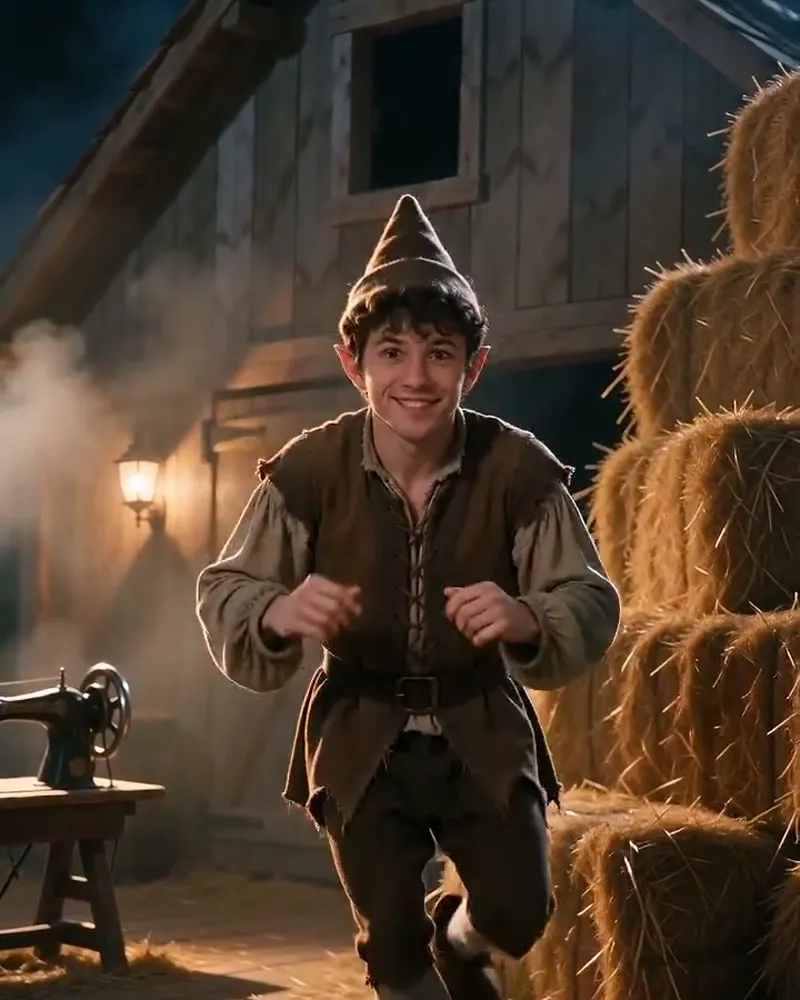
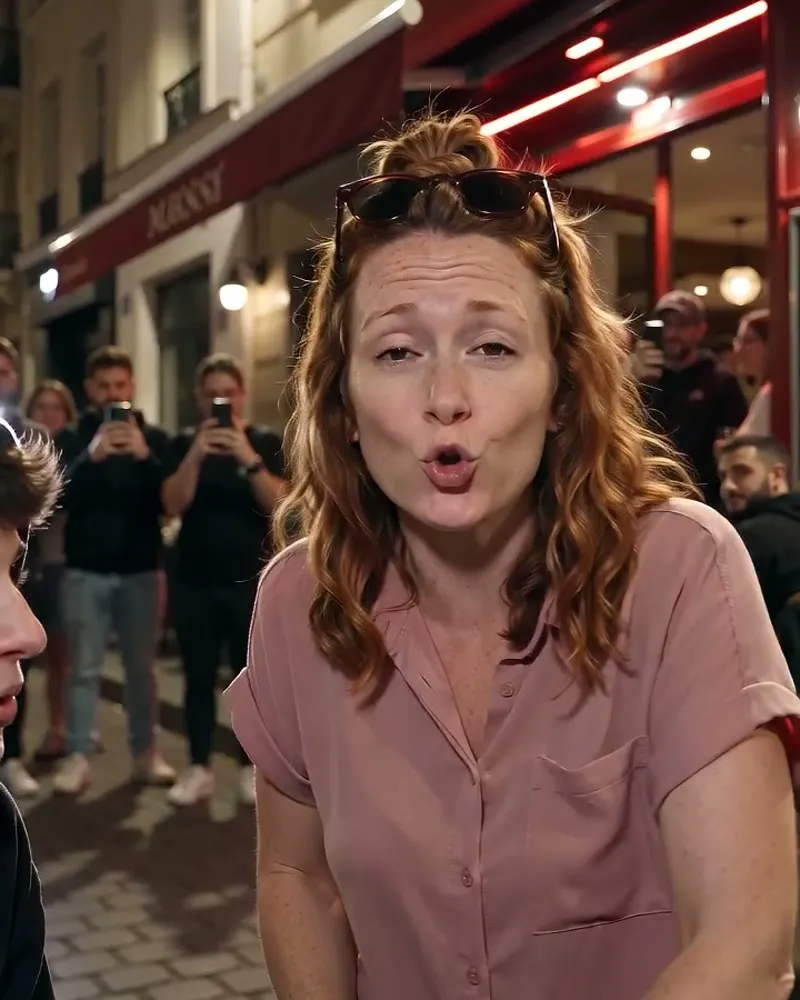
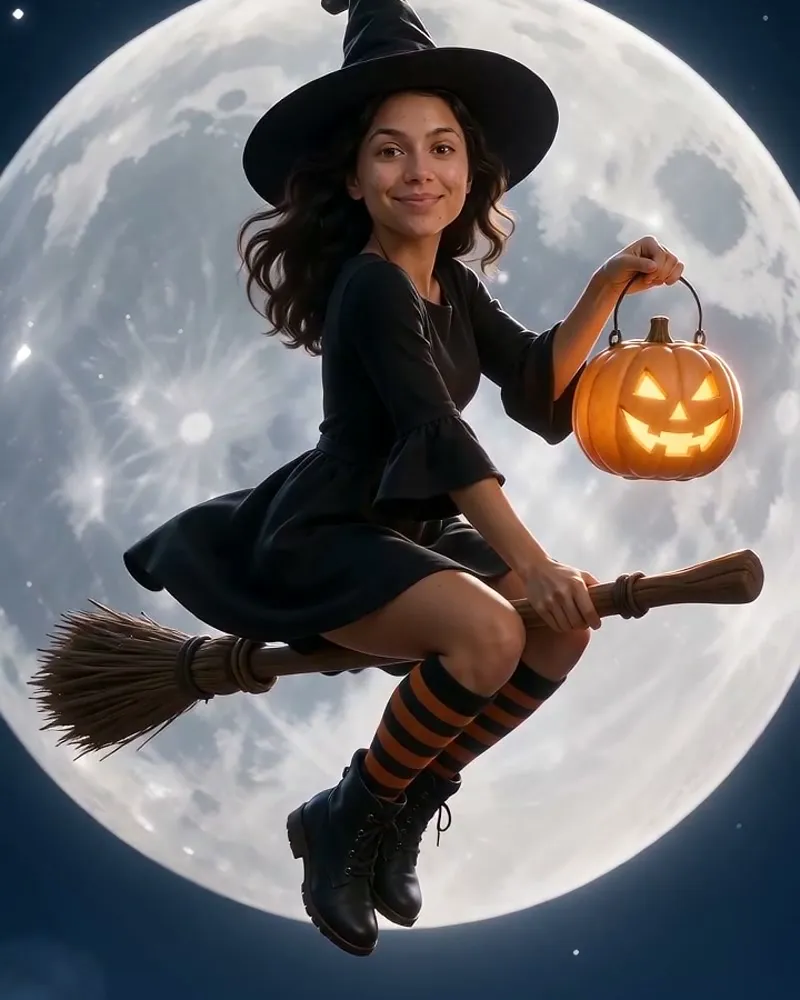
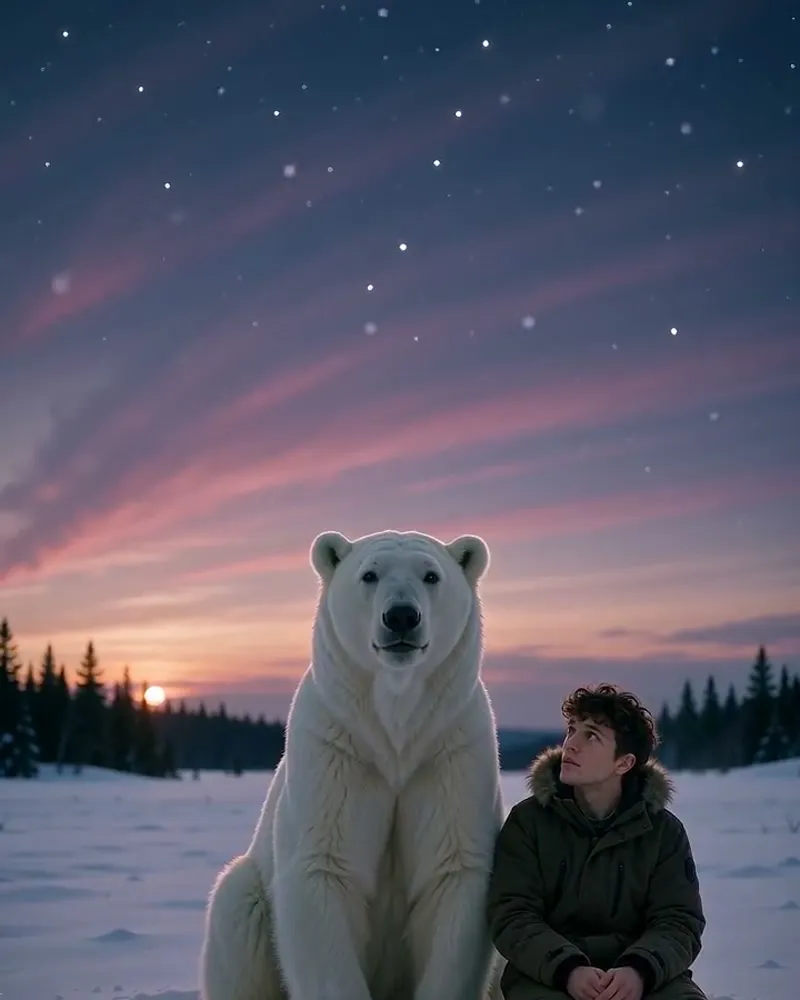
AI illustration
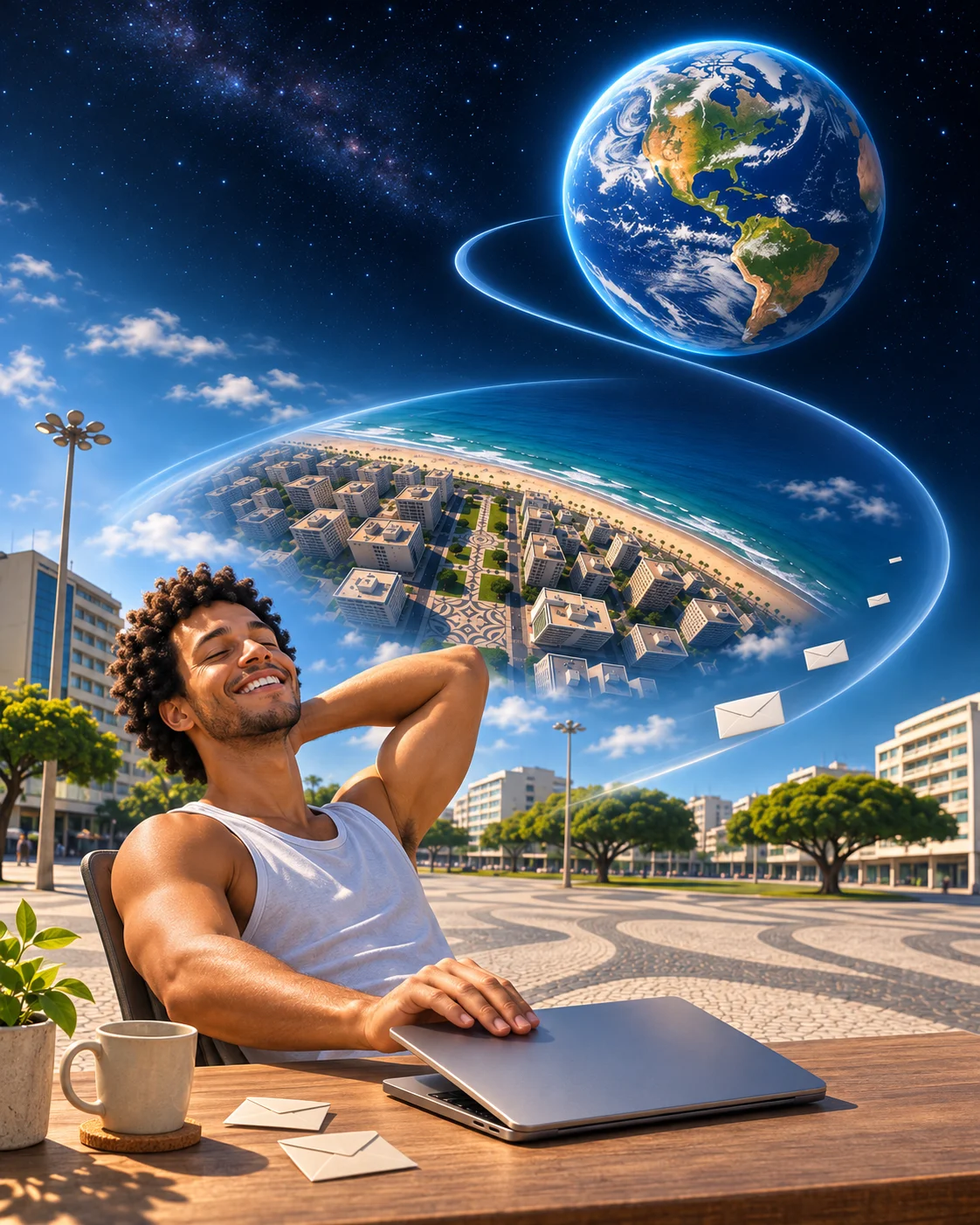
An illustration of the joke. See the video sample above for the actual template scene.
Where does Earth Zoom Out come from?
Camera moves from a person to outer space existed long before AI. Higgsfield’s Earth Zoom Out effect made the idea available as a repeatable photo transformation. The linked @higgsfield_ai post introduces the effect; later social edits use it as a hook and transition.
Read the background on viralmeme.ai ↗The referenceWatch the post by @higgsfield_aiView the reference for the wider trend ↗
Three ways to use the meme
Explore each joke with an AI illustration. Your video follows the sample above. Add captions when posting.
How much the planet noticed my awkward goodbye
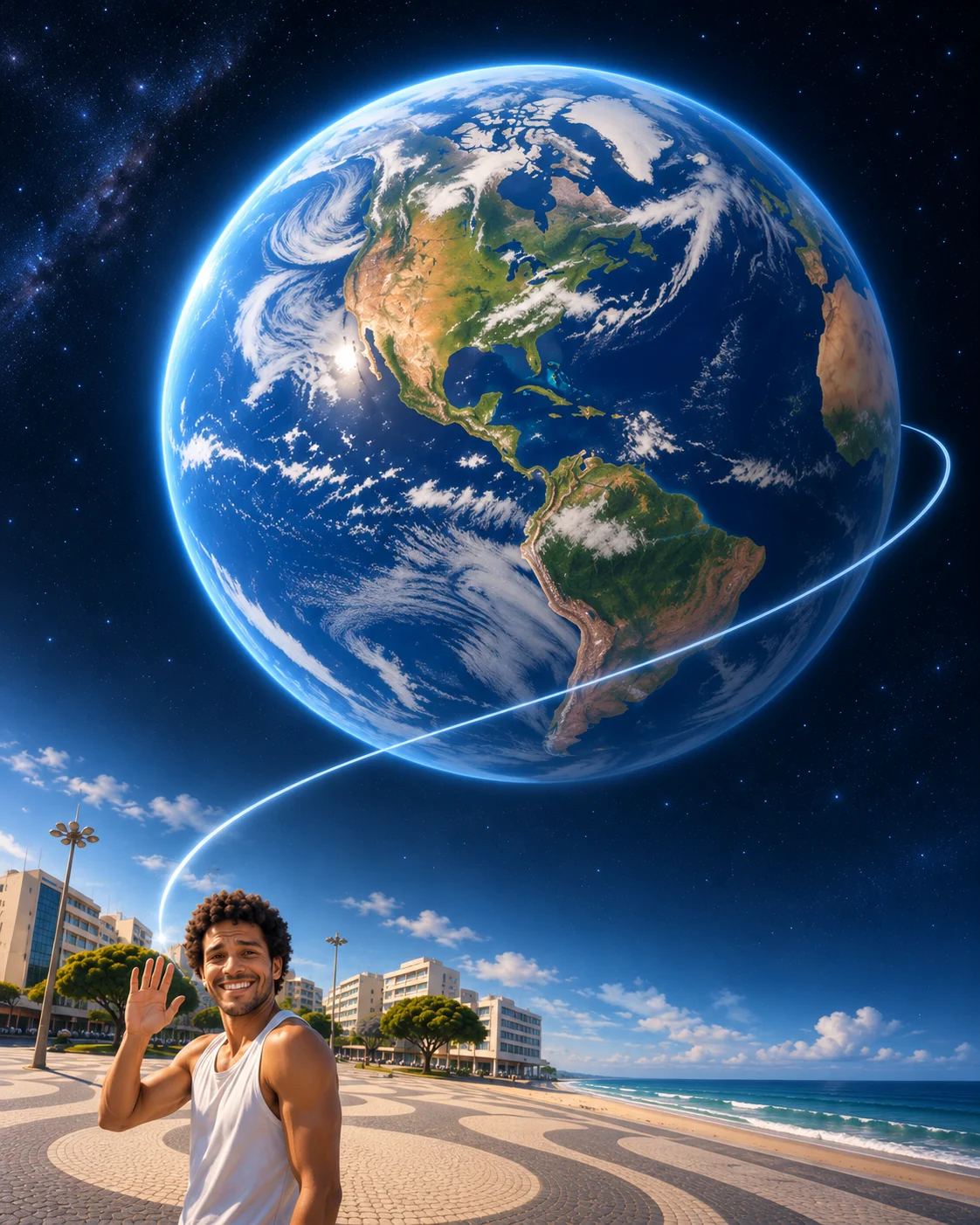
Illustrated use case · A small embarrassment
Let the widening view shrink the importance of the moment.
How to make your Earth Zoom Out video
- 1
Choose one clear photo
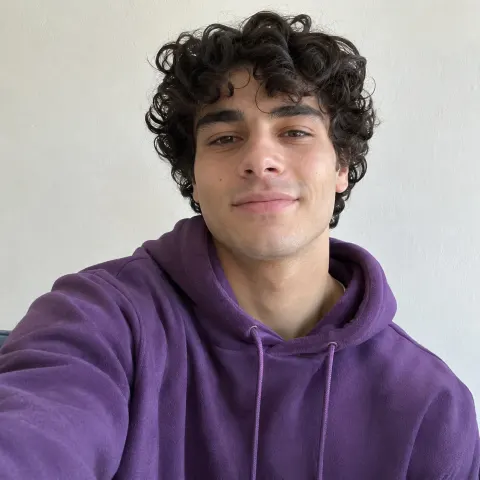
Use a photo of one person with the face and body easy to see. You do not need to act out the scene or record a dance.
- 2
Check the preview and price
The template supplies the movement and setting. Your 10 second video costs 10 credits, or $9.99 as a single purchase.
- 3
Generate, then download
Upload your photo in the generator above and confirm. Rendering usually takes a few minutes. You can also find the finished MP4 in My creations.
- 4
Add your caption
This source clip has no audio. Add your own soundtrack and caption in TikTok, Reels or Shorts before posting.
Photos that work
- One person, clearly visible
- Head and upper body (or full body) in frame
- Good light, face not covered
Photos to avoid
- Group photos
- Sunglasses, masks or hands over the face
- Heavy filters or very small faces
Your MP4 follows the template scene and results vary with the photo. Upload an image of yourself, a consenting person or your own pet.
Sound and posting tips
This template’s source clip has no soundtrack. You can add the sound below, or choose your own, when posting.
The sound
Choose a build or an ambient track
The effect does not require one specific song. Pick a track that grows with the pullback, or use a calm sound for a perspective joke.
- Keep the beginning and final reveal when trimming for a post.
- Avoid tiny captions that become difficult to follow during the pullback.
- Describe the clip as an AI effect, especially if it appears to show a real location.
Add captions in your posting app. Text is not added by this generator.
Earth Zoom Out: questions and answers
- Does the zoom show my real location?
- No. This template follows its source scene and camera movement. It does not determine your location or generate an accurate satellite route from your photo.
- Can I choose the city or the final camera position?
- There is no location selector in this template. Use the preview to check the setting and pullback before generating.
- Does the video include the original sound?
- The video keeps any music or speech from the source clip. A source clip without audio stays silent.
- What photo works best?
- One person, clear face, upper body or full body. A normal everyday photo is enough.
- How much does it cost?
- Earth Zoom Out is 10 seconds long and costs 10 credits. You can also pay $9.99 once for this video. The exact price is shown before you generate.
- What if the video fails?
- If rendering fails for a technical reason, your credits go back to your balance automatically.
- Is my photo private?
- Your photo and video are private to your account and never shown on the site. Your photo is processed by our AI video provider to create the video.
Sources and credits
Guide by the viralmeme team · Reviewed .
The linked posts document the trend and credit their creators. A reference post may be a later version rather than the first upload. Caption ideas on this page are our own.