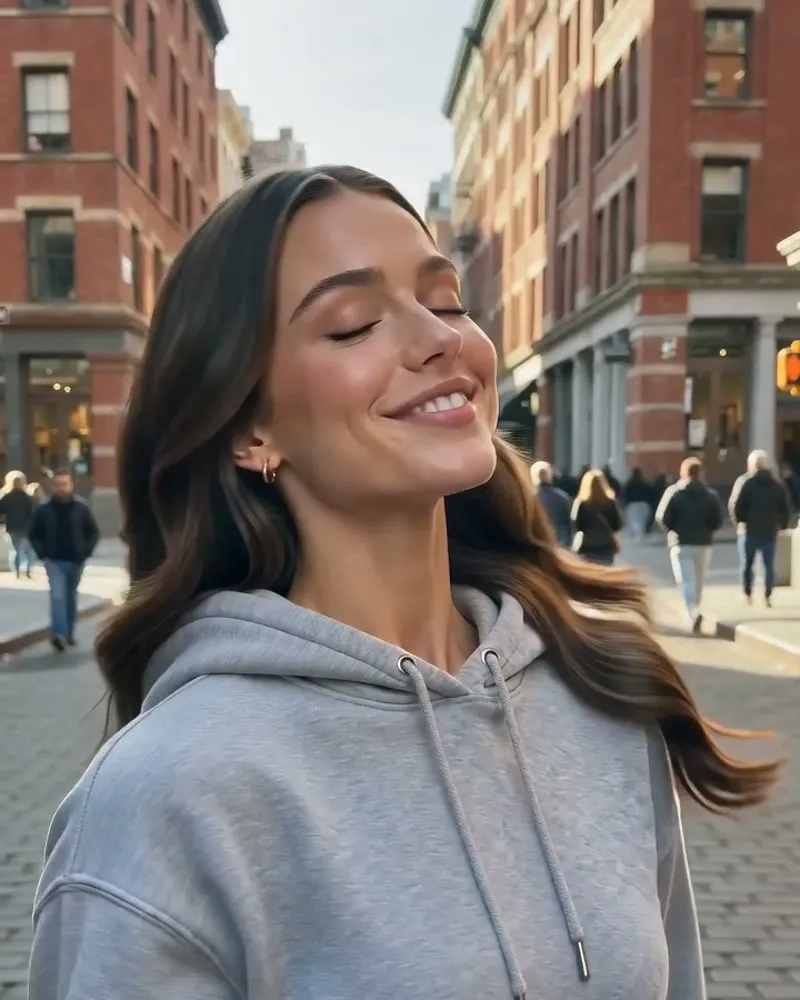
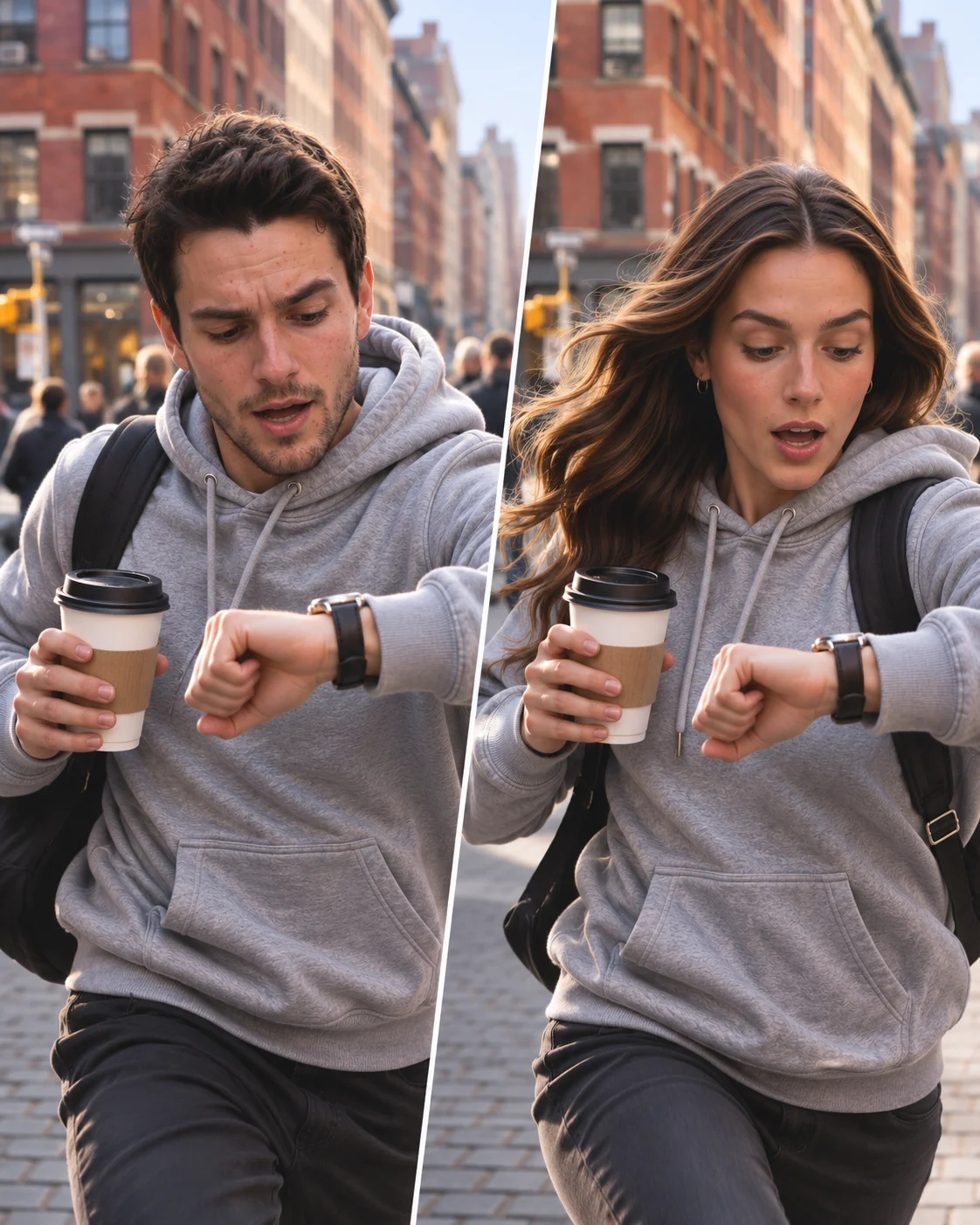
The meme explained
What is the Gender Swap trend?
The gender swap trend imagines an alternate version of your appearance while keeping a recognisable connection to your face. This template turns the idea into a short transformation video.
People share the result as an imaginary twin, a before and after or a playful alternative version of themselves. Recognition is the hook: viewers look for which features still feel familiar.
Treat the result as a stylised AI interpretation. It is a creative effect, not a prediction of identity or an exact picture of how anyone would look.
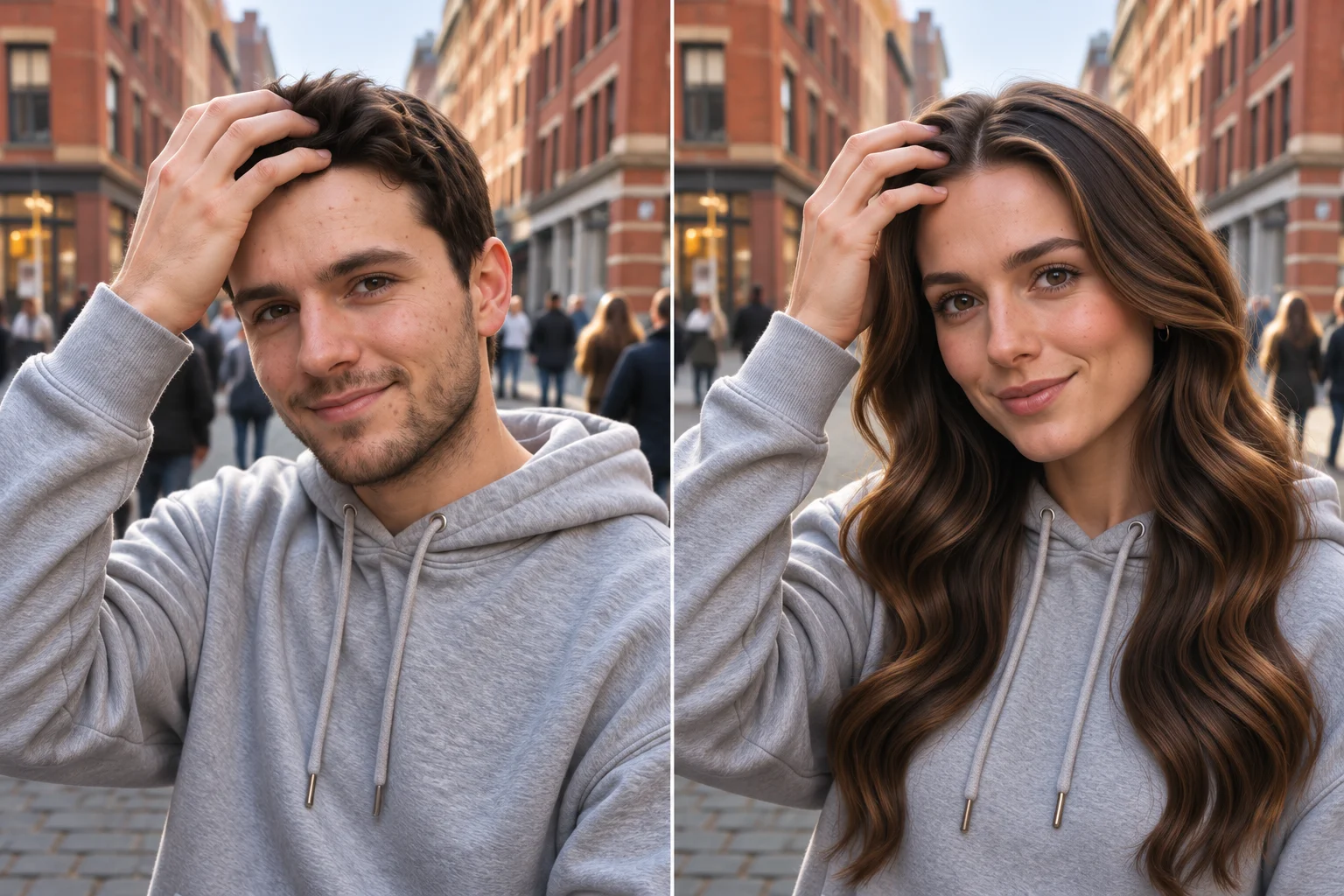
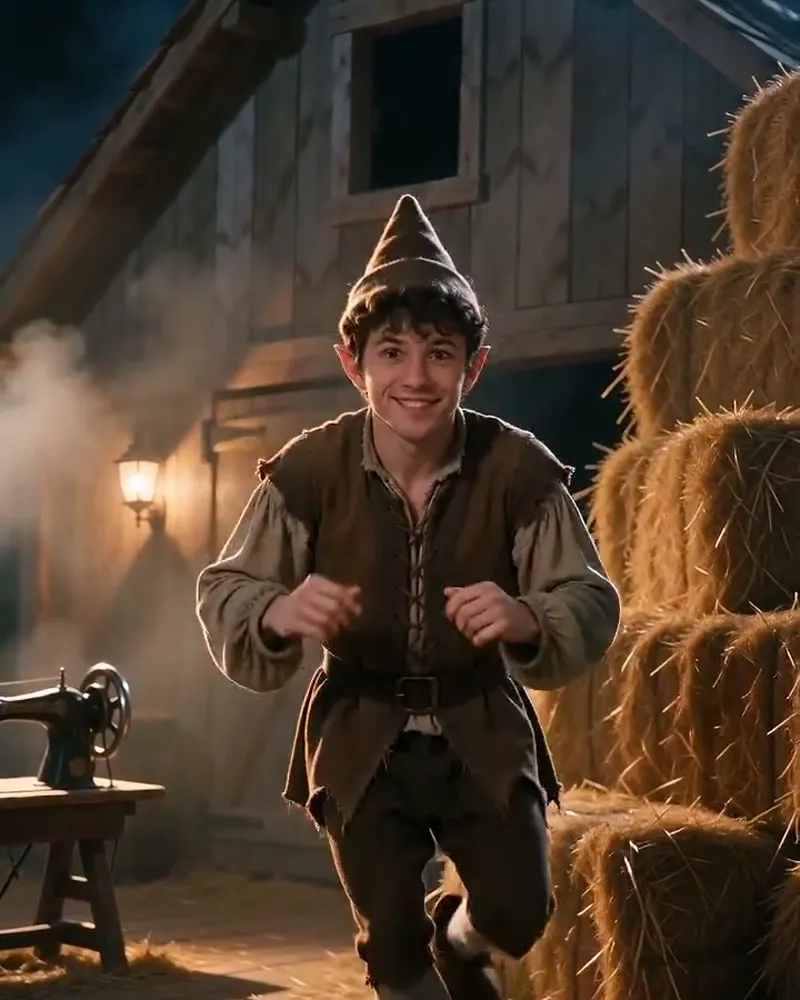
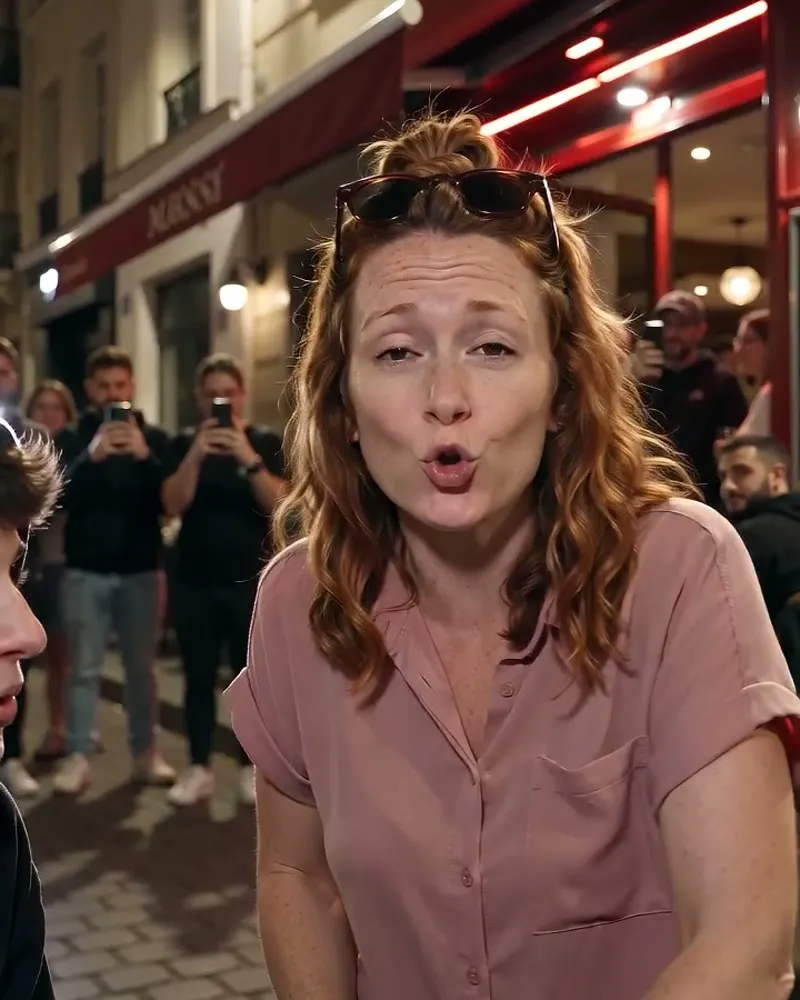
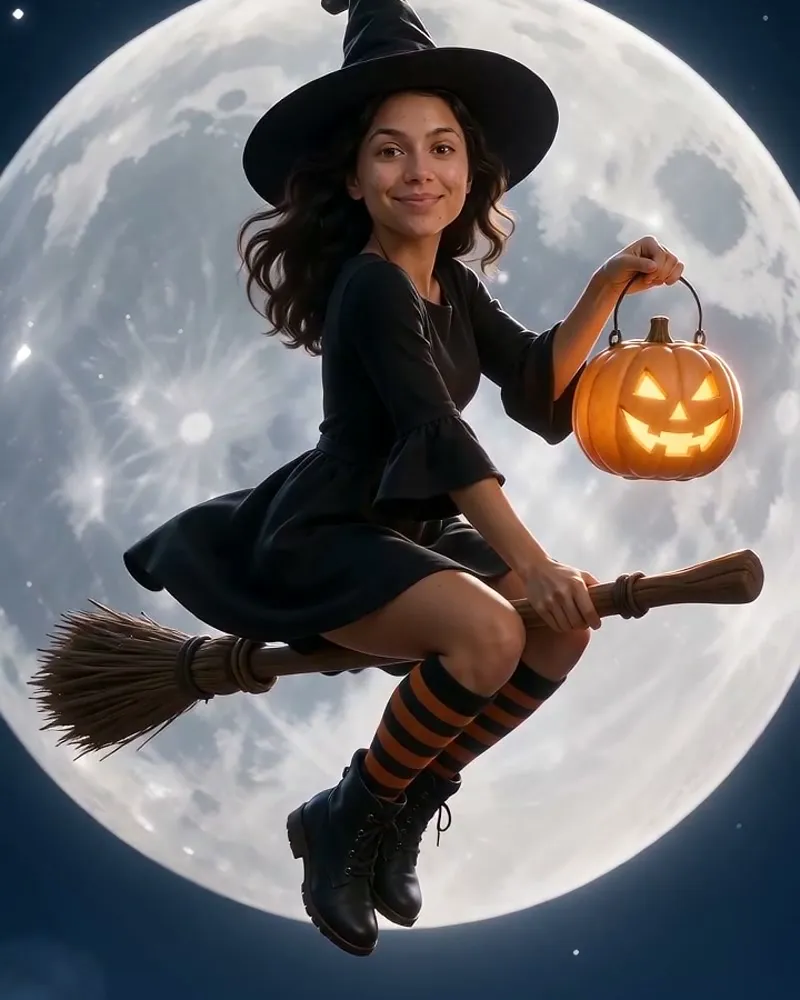
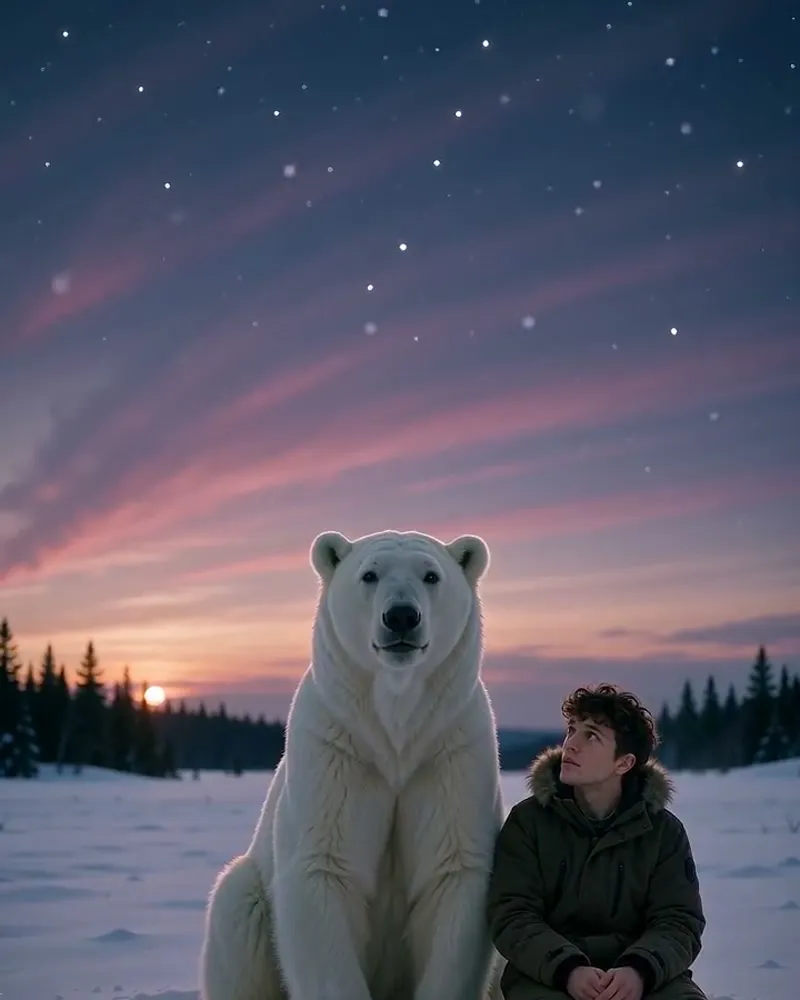
AI illustration
An illustration of the joke. See the video sample above for the actual template scene.
Where does Gender Swap come from?
Gender change filters became widely shared through Snapchat before newer AI tools expanded the format into images and transformation videos. The linked @ArabellaGolby post is a reference to that earlier filter wave. This template follows its own preset transformation rather than applying a live Snapchat filter.
Read the background on viralmeme.ai ↗The referenceWatch the post by @ArabellaGolbyView the reference for the wider trend ↗
Three ways to use the meme
Explore each joke with an AI illustration. Your video follows the sample above. Add captions when posting.
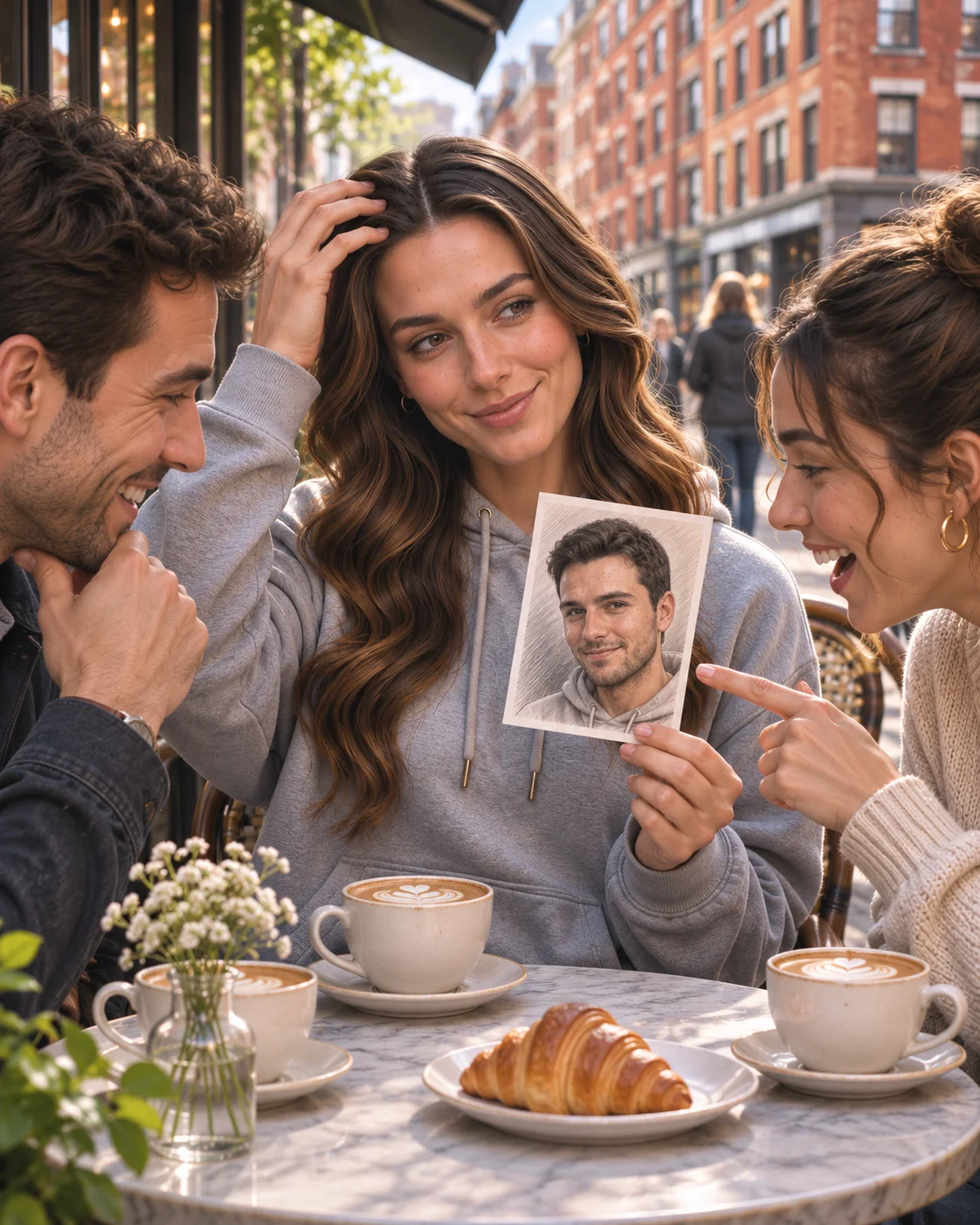
The sibling my family never mentioned
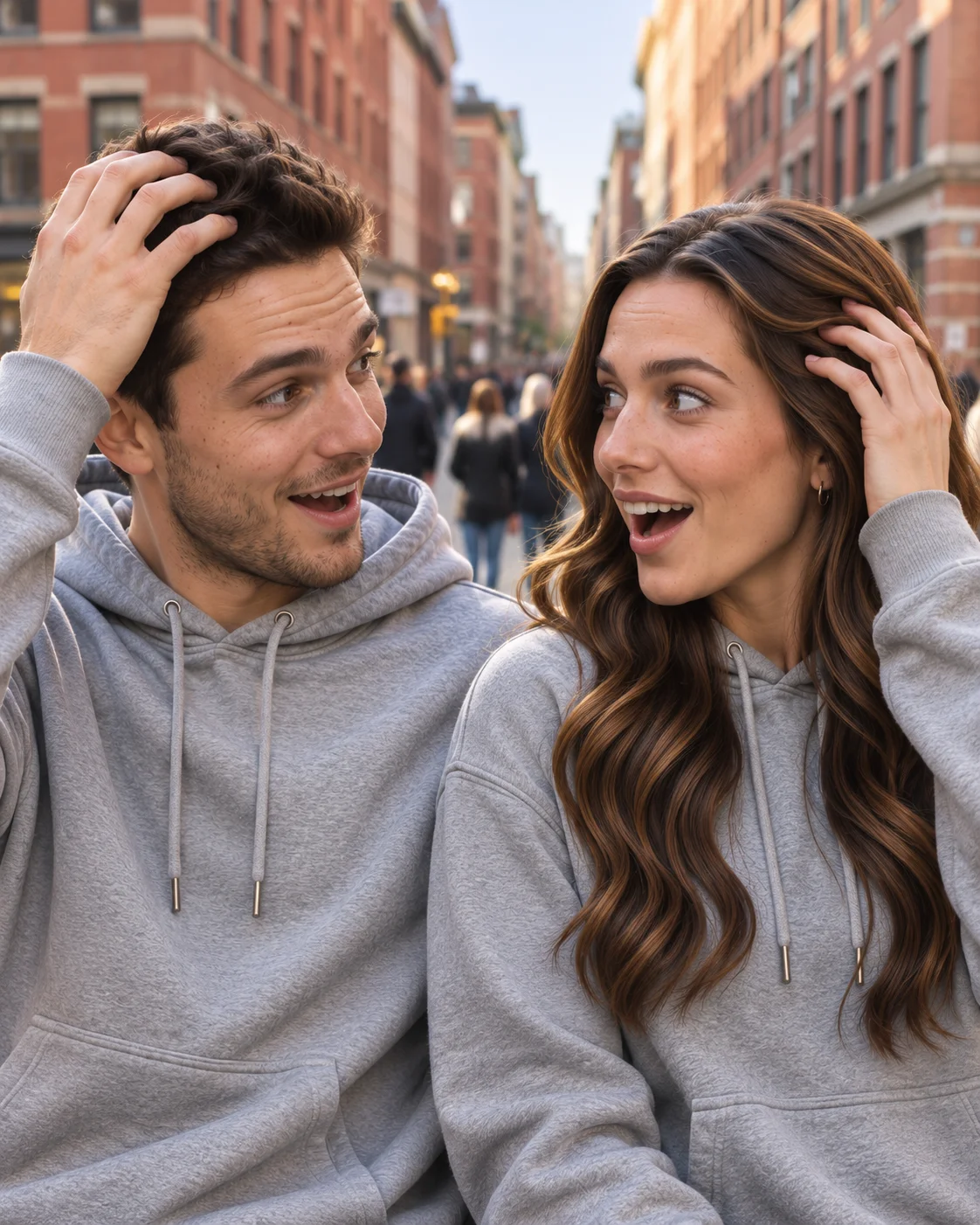
Illustrated use case · The imaginary twin
Show the input photo alongside the finished clip in your post.
How to make your Gender Swap video
- 1
Choose one clear photo
Use a photo of one person with the face and body easy to see. You do not need to act out the scene or record a dance.
- 2
Check the preview and price
The template supplies the movement and setting. Your 12 second video costs 12 credits, or $9.99 as a single purchase.
- 3
Generate, then download
Upload your photo in the generator above and confirm. Rendering usually takes a few minutes. You can also find the finished MP4 in My creations.
- 4
Add your caption
The download keeps the source clip’s audio. Add your caption in TikTok, Reels or Shorts; you can also choose a different soundtrack there.
Photos that work
- One person, clearly visible
- Head and upper body (or full body) in frame
- Good light, face not covered
Photos to avoid
- Group photos
- Sunglasses, masks or hands over the face
- Heavy filters or very small faces
Your MP4 follows the template scene and results vary with the photo. Upload an image of yourself, a consenting person or your own pet.
Sound and posting tips
Your video keeps the music or speech already present in the source clip. The song below is a reference for the wider trend and may differ from the template soundtrack.
The sound
Choose a reveal sound
There is no required song. A short build followed by a beat change can highlight the transformation; add it after checking where the reveal happens.
- Use one clear face without sunglasses or a strong beauty filter.
- Keep the original photo for a before and after comparison.
- Use your own photo or one shared with consent, and keep the caption respectful.
Add captions in your posting app. Text is not added by this generator.
Gender Swap: questions and answers
- Is this the Snapchat gender swap filter?
- No. It is an AI video template inspired by the broader transformation trend. You upload a photo here rather than using a live Snapchat camera effect.
- Will it preserve every facial feature exactly?
- No exact likeness is guaranteed. AI can change details as well as styling, and the result depends on your photo and the template’s transformation.
- Does the video include the original sound?
- The video keeps any music or speech from the source clip. A source clip without audio stays silent.
- What photo works best?
- One person, clear face, upper body or full body. A normal everyday photo is enough.
- How much does it cost?
- Gender Swap is 12 seconds long and costs 12 credits. You can also pay $9.99 once for this video. The exact price is shown before you generate.
- What if the video fails?
- If rendering fails for a technical reason, your credits go back to your balance automatically.
- Is my photo private?
- Your photo and video are private to your account and never shown on the site. Your photo is processed by our AI video provider to create the video.
Sources and credits
Guide by the viralmeme team · Reviewed .
The linked posts document the trend and credit their creators. A reference post may be a later version rather than the first upload. Caption ideas on this page are our own.